Wellness visits
A wellness appointment is a guided visit: minimal intake, an exact consent-and-price version, and an authority trail the server enforces before service can start.
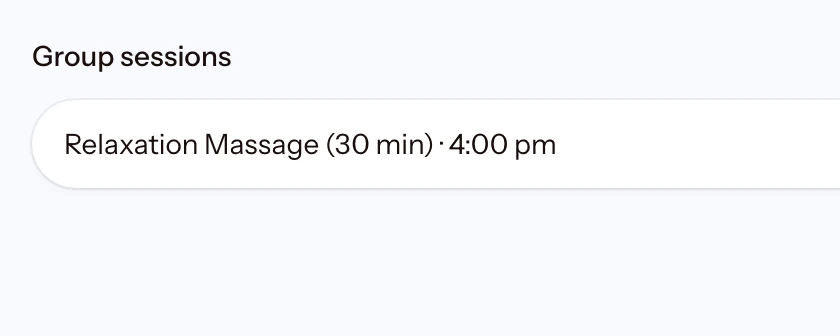
Wellness sessions
Practitioner and room schedules lead the day; a group session shows its roster and remaining places.
17.1 The guided visit record
A Wellness appointment uses its own guided visit record. Create the visit, record only the minimum intake information, assign the practitioner, create an exact consent-and-price version, and record the client's decision. The panel shows the complete current immutable version, who recorded each authority event, and every linked receipt.
A revised version needs a written reason and supersedes the exact earlier version. The server will not start service without a current accepted version, completed intake review, an assigned practitioner, and any required pre-service payment. Completion also needs a settled balance or an explicit manager waiver.
Use the visit controls for status, assignment, and payment. If POS directs you back to Appointments, use these controls and do not create a second sale. The generic editor keeps the customer, branch, service set, assigned team, and group size locked. Generic appointment status, POS checkout, bulk status, and rebook shortcuts are unavailable for this record.
Prefer everything on one page? Read the whole guide.